Libraries
Installing Libraries
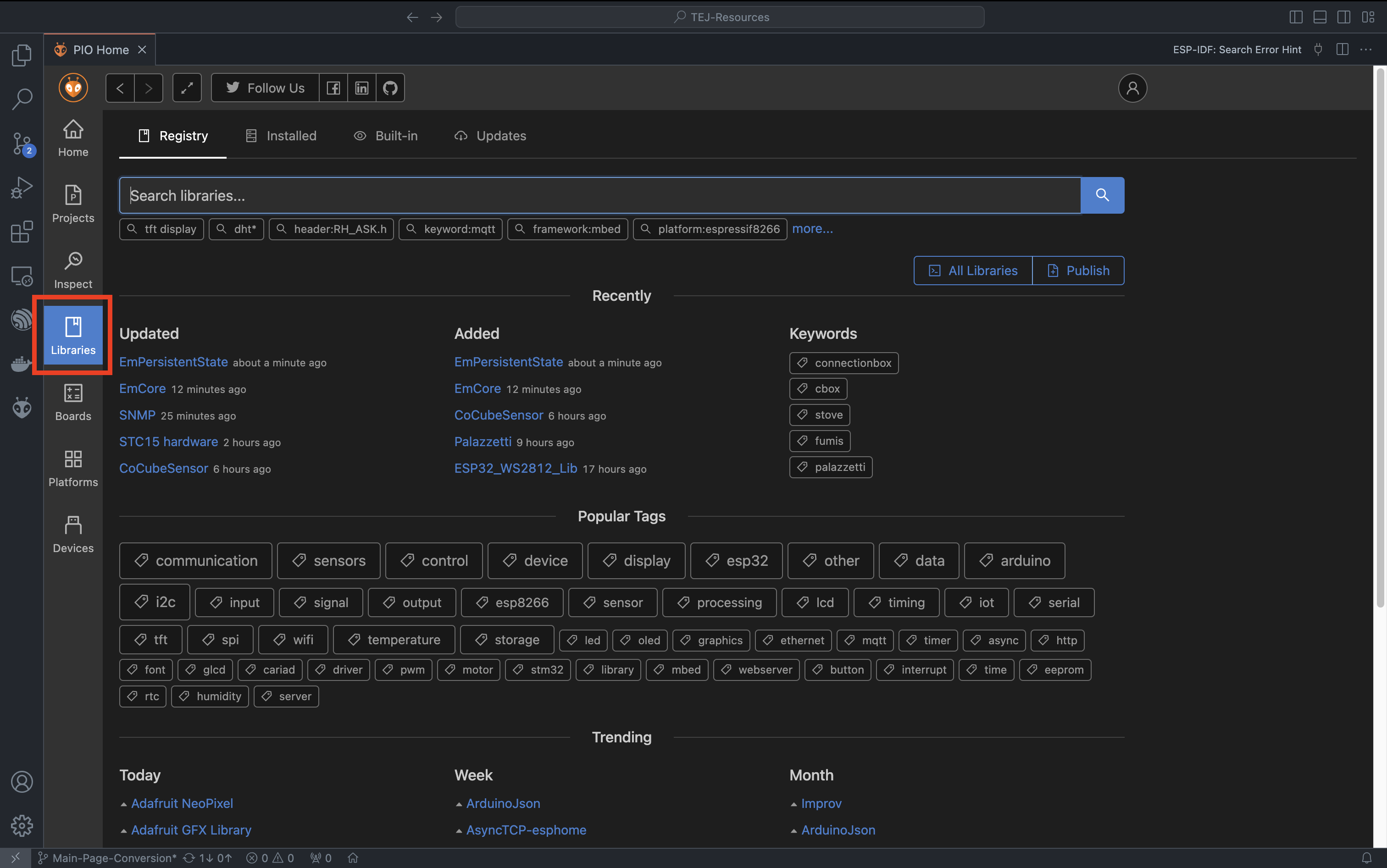
To install a library in a PlatformIO project, simply navigate to the "Libraries" tab in the PlatformIO Home window. One significant advantage of PlatformIO is that libraries are project-specific rather than global. Unlike the Arduino IDE, where libraries are shared across all projects, PlatformIO requires you to install the necessary libraries for each project. While this may seem tedious, it ensures that your projects remain clean, organized, and free of any unnecessary dependencies.
Alongside descriptions, changelogs, and plenty of other useful information, PlatformIO's library browser allows you to view example code snippets if they are provided by the developer of the library. Reading through these examples can be pretty useful if you are unfamiliar with the library.